How to spot a phishing email or text message
A suspicious message can look like an ordinary account alert or delivery update. Learn what to look for, how to check it safely and what to do if you have already responded.
In this guide
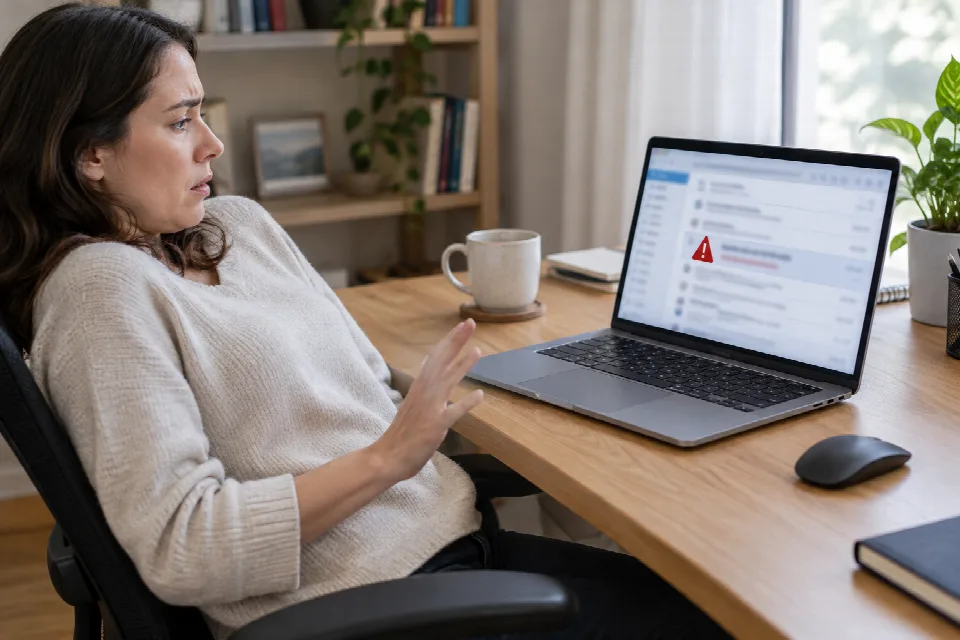
A message arrives saying there is a problem with your account or a package. It asks you to act now. Before you tap, click or reply, take a moment to check it through a separate route.
Phishing attempts can be convincing, but you do not have to decide whether a message is genuine on the spot. The steps below can help you pause, check and respond.
What are phishing emails and text messages?
Phishing is an attempt to trick you through a message, often by pretending to be an organization you recognize and creating a sense of urgency. The sender may ask for sensitive information or direct you to a link. Phishing by text message is also called “smishing.”
For example, a message might claim that an account needs immediate attention or that you must update details for a delivery. Treat the message as a prompt to check independently, not as proof that something is wrong.
How can you spot warning signs in an email?
Look at the whole message rather than relying on one clue. These signs are reasons to pause:
- Pressure or threats: The email says you must act immediately because of an account problem, suspicious activity or another claimed consequence.
- A request for sensitive details: Be wary of requests for passwords, login details, financial information or verification codes.
- A sender address that does not fit: Check the actual email address, not just the displayed name. An unfamiliar address or a lookalike domain deserves a closer look.
- An unexpected attachment or invoice: Pause before opening a file you were not expecting, even if the subject seems familiar.
- A generic greeting: “Dear Customer” can be a warning sign, particularly when it appears alongside other clues.
- A questionable link: On a computer, hovering over a link may show its destination without opening it. An unfamiliar or shortened address is a reason to stop.
Good spelling is not proof that an email is genuine. AI-generated messages can have polished grammar, so check the request and the sender instead of looking only for typos.
What should you look for in a suspicious text?
Suspicious texts may use the same pressure as phishing emails. They might claim there is a delivery problem, an account issue or a fraud alert, then ask you to tap a link or provide information.
Be cautious with an unexpected text from an unknown or unusually long number, especially if it includes a shortened or unfamiliar web address. A message that asks for a password or verification code is another reason to stop. Avoid replying while you check it.
If someone in your household receives a worrying text, you can check it together. Ask what the message wants them to do, then use a separate route to verify the claim.
How can you check a message without using its links?
Set the message aside and contact the organization through a route you choose yourself. For example:
- Open the organization’s app yourself, or type its official website address into your browser rather than following the message’s link.
- Check your account or delivery information there, if relevant.
- If you still have questions, contact the organization using contact details you find independently on its official website.
- Ask whether the message or request is genuine before taking any action.
You can use this approach even if the message feels urgent. It gives you a way to investigate without relying on the instructions in the message itself.
What should you do with a suspicious message?
Do not click its links or reply. In the United States, you can report a suspicious email at ReportFraud.ftc.gov and forward a suspicious text to 7726, also known as SPAM. After reporting it, delete the message.
If the message concerns a work account, you can also ask your employer’s IT or security team how to report it. For a family member who is unsure, offer to sit with them while they check through an official app or website.
What if you already clicked or shared information?
Stop interacting with the message or page. Then consider what you did: opening a link, entering a password and sharing financial information are different situations, so tell the relevant organization exactly what happened.
- If you entered a password, access the account independently and change it. Contact the account provider if you need help.
- If you shared a verification code or account details, contact the organization through its official app or website and explain what you shared.
- If you provided financial information, contact the relevant bank or financial institution promptly through independently verified contact details.
- If you downloaded or opened a file and are concerned about your device, ask a qualified technology professional for help. For a work device, contact your IT team.
You do not need to solve everything at once. Start by stopping the interaction, then contact the relevant organization through a route you trust.
Sources
- stateofsurveillance.org · /guides/basic/how-to-spot-a-phishing-email
- www.livenewsworld.com · /how-to-spot-a-phishing-scam
- secria.me · /blog/how-to-spot-a-phishing-email
- www.experian.com · /blogs/ask-experian/how-to-avoid-phishing-scams
- guard.io · /blog/how-to-recognize-phishing-email
- www.hbs.net · /blog/smishing-attacks-how-to-identify-and-respond
- trustypassword.com · /blog/smishing-sms-phishing-text-scams-2026